Never missthe play.
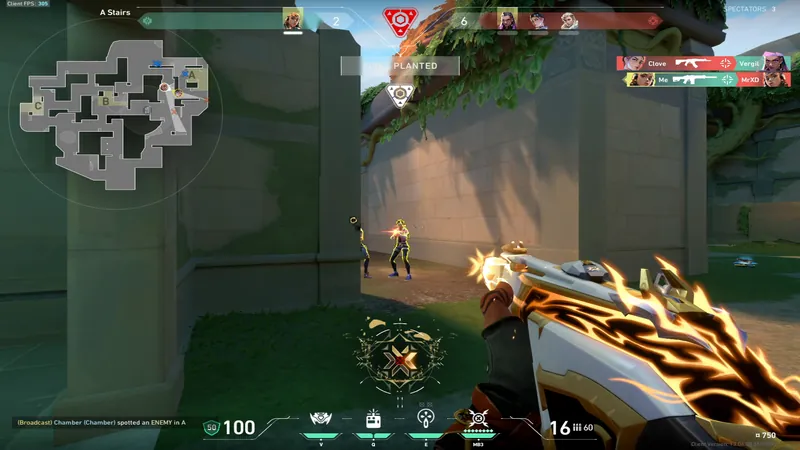
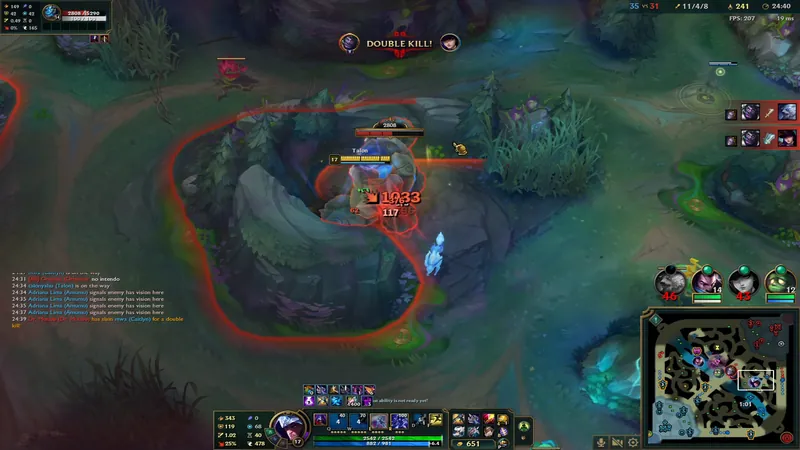
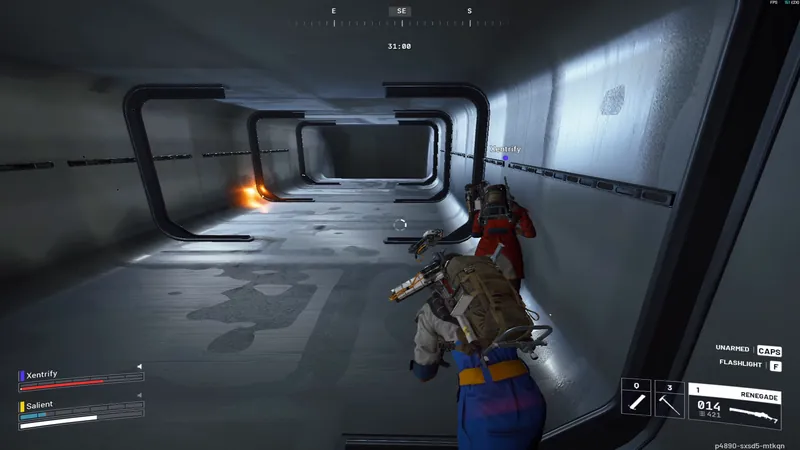
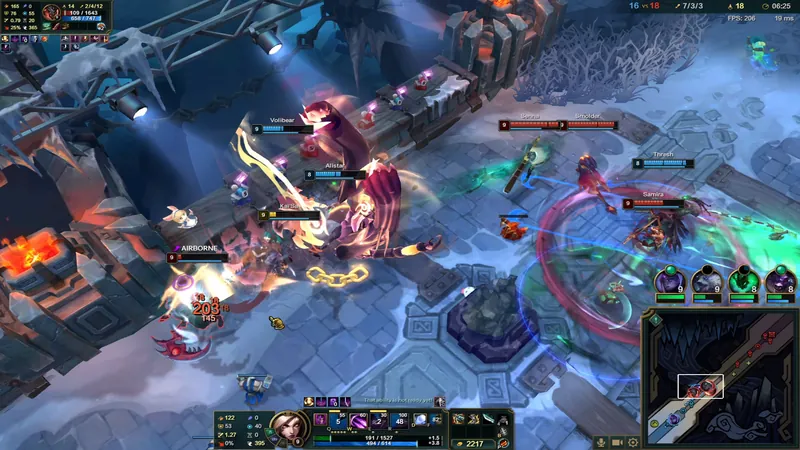
Retake quietly records your game at up to 240 FPS. Something great happens, you press Alt F8, and it's already a clip.
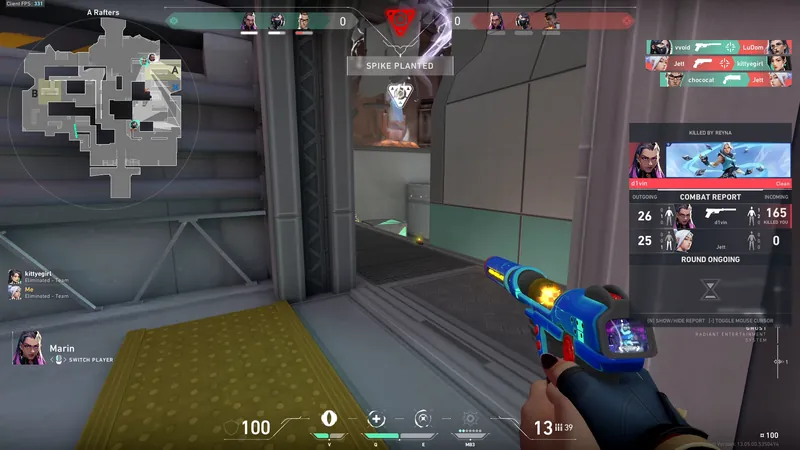
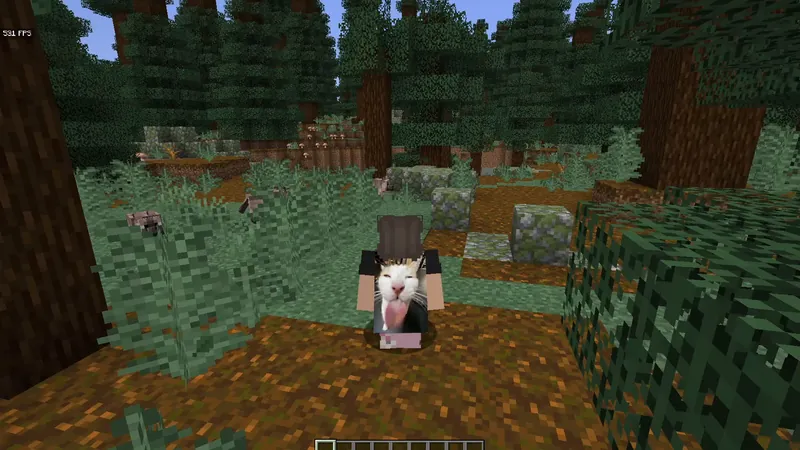
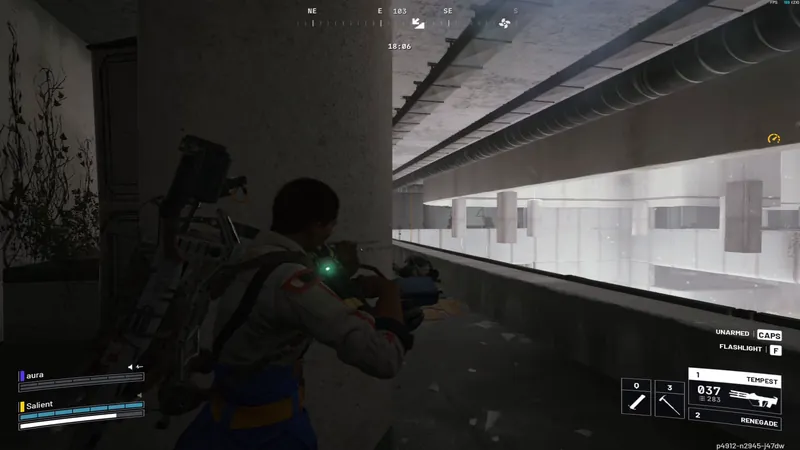
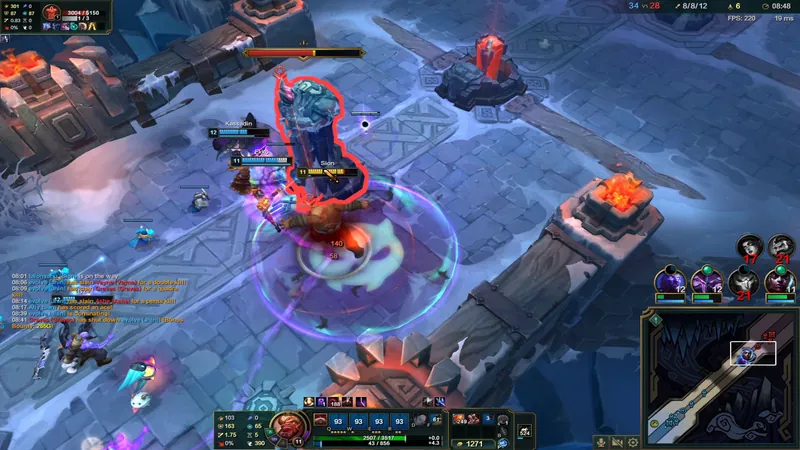
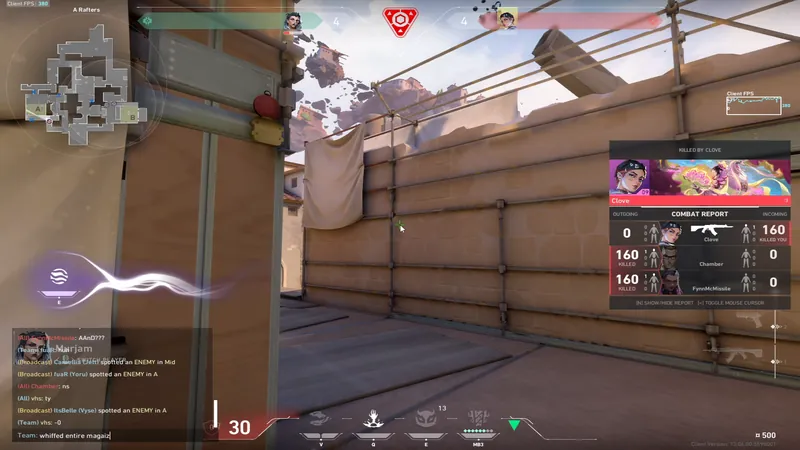
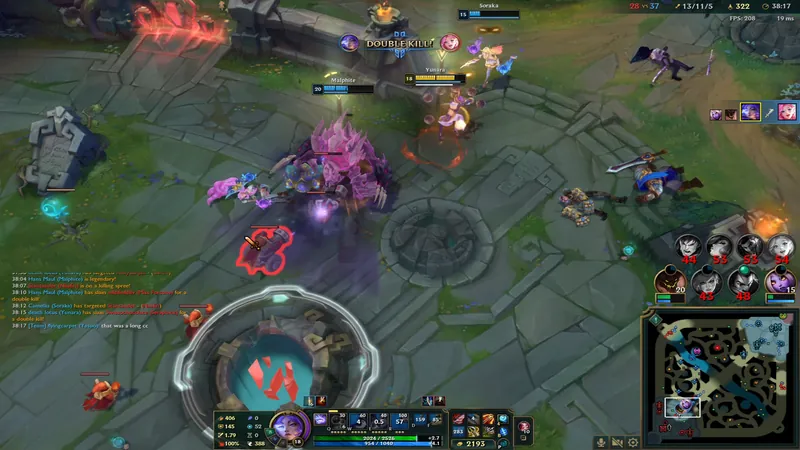
How it works
From the play to the chat in seconds.
No recording to start, and no hours of footage to scrub through. Just the moment, kept.
- 01VALORANTREC
Play like always
Retake starts recording when your game opens. Nothing to switch on, and nothing piles up on your disk.
- 02Alt+F8
Press Alt+F8
After a great play, press the hotkey. The minute before it is saved as a clip, and a small card in the corner says so.
- 03Copied
Send it
Trim it, pick what you hear, and paste it into Discord. The Discord size keeps it under 10 MB.
Features
Plain settings. Smooth clips.
These are the real Retake settings. Go ahead and click around.
Recording
As smooth as it felt.
Record at up to 240 FPS so clips match your monitor. Pick how far back a clip goes, and see what each quality costs before you choose.
- 60, 120, 144 or 240 FPS
- Clips from 30 seconds to 5 minutes
- Uses the video encoder in NVIDIA, AMD and Intel graphics
Clip
Clip length
How far back a saved clip goes.
Frame rate
Match your monitor for the smoothest clips.
Quality
About 600 MB per minute
Sound
Every voice on its own track.
Game, your mic and voice chat are recorded apart. Later, keep only the game, or drop your friends before you share.
- Four separate tracks
- Background noise removal for your mic
- Voice chat recorded from Discord
What to record
Game sound
Everything the game plays.
Your microphone
Your voice, on its own track.
Voice chat
Your friends in Discord.
Everything else
Music, videos and notifications. Usually best left off.
Microphone
Remove background noise
Filters out keyboard clicks, fans and hum.
Saving
Saved, without looking away.
Press the hotkey and a small card in the corner of your game says it worked. It never takes focus and never shows up in your clips.
- Works in games that block normal hotkeys
- Optional sound when a clip is saved
- Each game gets its own folder
Save hotkey
Press it during a game to save a clip
Click the box, then press the keys you want. Esc cancels.
Play a sound when a clip is saved
So you know it worked without leaving the game.
In-game notifications
Clip folder
C:\Users\you\Videos\Retake
Each game gets its own folder inside.
Player and editor
Trim it. Hear it. Send it.
Drag the handles, choose what you hear, then save a copy at Discord size. Try it here.
Ace on Ascent
VALORANT · Sun, Nov 1, 9:41 PM · 1440p240 · 217 MB
Requirements
What you need.
- System
- Windows 10 or 11, 64-bit. Developed and tested on Windows 11.
- Graphics
- A graphics card with a hardware video encoder is recommended: most NVIDIA, AMD and Intel GPUs from the last several years. Without one, Retake uses a software encoder, which costs more CPU.
- Memory
- Depends on clip length, frame rate and quality, and Settings shows the number. High quality at 1080p60 with a 1-minute clip is typically a few hundred MB.
- Disk
- Clips are saved at full quality. At high frame rates a 2-minute clip can be several hundred MB.
Does it slow my game?
It's built not to. Retake records with the video encoder built into your graphics card (NVIDIA, AMD or Intel), so recording costs your game almost nothing. Without one it falls back to a software encoder, which uses more CPU.
Where are clips saved?
As plain MP4 files in a folder you choose, sorted into a folder per game. You can change the folder any time, and Retake offers to move your existing clips, favorites included.
How do I send a clip to Discord?
Export it with the Discord preset, which keeps it under 10 MB, then Copy and paste it into Discord. You can also copy a clip straight from the library.
Which games does it work with?
Most. Retake finds known games, games in your Steam, Epic and Riot folders, and fullscreen 3D apps on its own. You can add any game from its .exe, or turn recording off for one. Anti-cheat and unusual renderers can interfere; if a game's clips come out black or frozen, turn on compatibility mode.
Can I remove my mic from a clip?
Yes. Game, your mic and voice chat are recorded on separate tracks. In the player, listen to each one, set their levels or mute them, and export exactly what you heard.
Does it work on Mac or Linux?
No. Retake is Windows only: Windows 10 or 11, 64-bit.
Don't miss the next one.
Install Retake, play like you always do, and press Alt+F8 when it counts.